


Popular articles
- What Is Rivals of Aether? Game Type, Platforms, and Modes Explained
- Black Myth Wukong Guide – What To Expect From This Amazing New RPG
- Top 5 Gaming Thrones for a Luxurious Gaming Experience
- Is Sonic Triple Trouble 16-Bit Official? Who Is The Bad Guy in Sonic Triple Trouble?
- Among Us Original: Where and How To Play The Classic Game


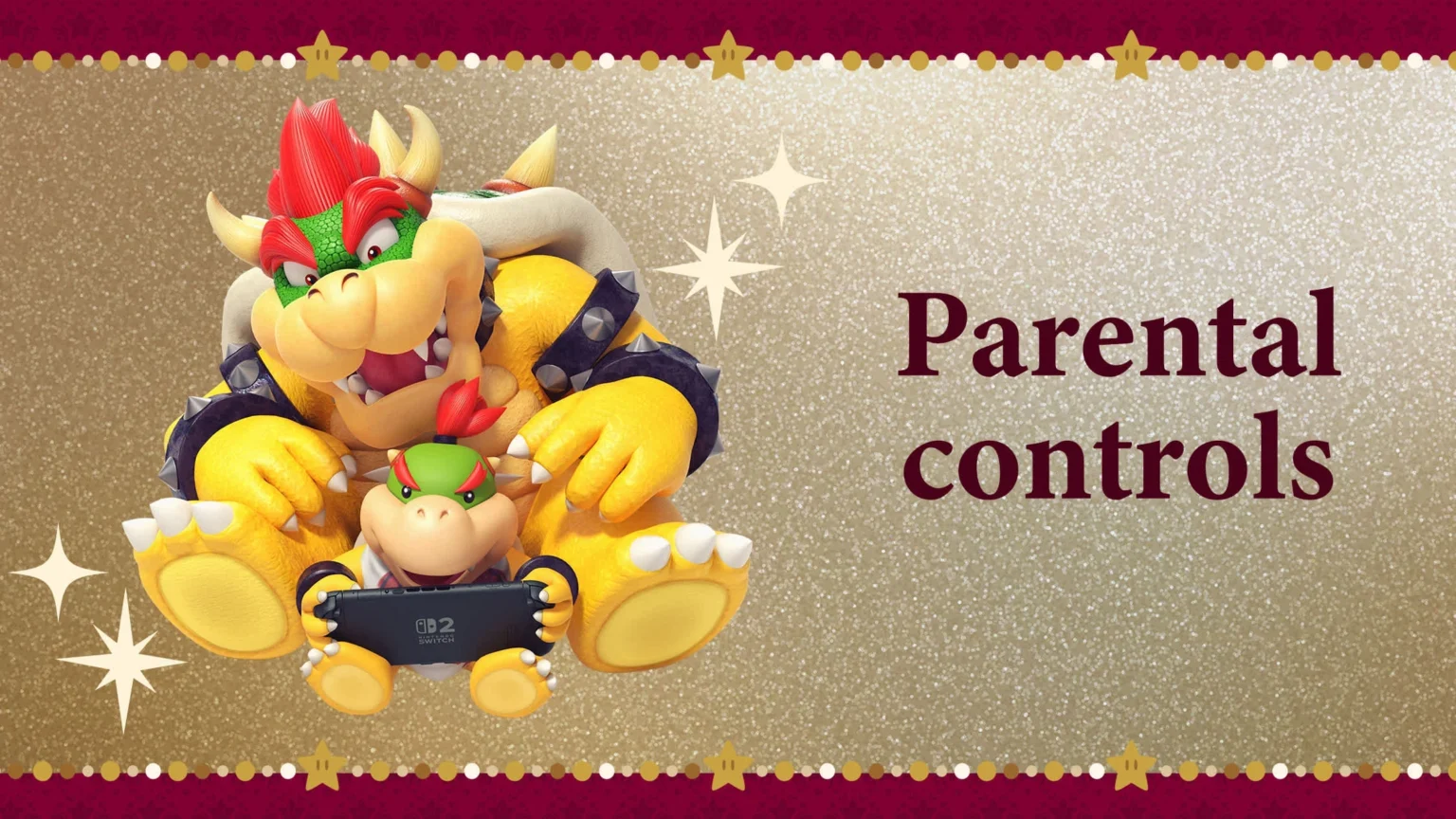
Parental Controls app for Nintendo Switch now covers GameChat
Table of Content

On December 15, 2025, Nintendo highlighted how its free Nintendo Switch Parental Controls app helps families oversee gameplay on Nintendo Switch 2 and Nintendo Switch. The smart‑device app lets guardians review what’s being played and for how long, and set restrictions from their phone or tablet. It also ties into GameChat – the voice and video feature exclusive to Nintendo Switch 2 – allowing parents to manage communication settings for their household. Nintendo also clarified the online requirements and the timeline for a membership change affecting GameChat.
What the Parental Controls app does
The app is positioned as a central dashboard for family play on Switch and Switch 2. Key tools focus on visibility and limits without being intrusive.
- Review play activity: see which games are being played and for how long.
- Set restrictions remotely: adjust play-time limits and other usage parameters from a smart device.
- Manage communication features: control GameChat settings for accounts on the console.
GameChat on Nintendo Switch 2
GameChat brings integrated voice and optional video to Switch 2, aiming to replicate the feeling of playing in the same room. The Parental Controls app extends to these settings for added oversight.
- Voice chat for up to 12 friends using the system’s built-in microphone.
- Screen/video sharing for up to 4 friends, enabling group gameplay views or face-to-face chat.
- Exclusive to Nintendo Switch 2; not available on the original Nintendo Switch system.
GameChat at a glance
The table below summarizes the headline limits and access conditions for GameChat on Switch 2.
| Platform | Nintendo Switch 2 |
| Max voice participants | 12 |
| Max screen/video participants | 4 |
| Online membership requirement | Until 2026-03-31: GameChat available without Nintendo Switch Online; after 2026-03-31: Nintendo Switch Online membership required |
These limits are presented as platform features rather than optional add-ons, with parental controls available via the companion app.
Read also our article: Wildcards Siege shakes up Rainbow Six Siege with vote‑based modifiers
Requirements and regional notes
To use the Parental Controls app, Nintendo states that a Nintendo Account, persistent internet connection and a compatible smart device are required. For GameChat and other online features, a Nintendo Account and internet connection are required; Nintendo Switch Online membership becomes mandatory for GameChat after 2026-03-31. Availability can vary by country, and standard terms apply.
Official videos and documentation
Nintendo published two overview videos that outline setup and features:
- Parental Controls app overview (YouTube): https://www.youtube-nocookie.com/embed/PvsYm4vfM6Y
- GameChat overview (YouTube): https://www.youtube-nocookie.com/embed/Td4YTxpU_Eg
Detailed configuration steps are provided in Nintendo’s Customer Support materials referenced in the announcement.
Bottom line – clearer controls for family play
The key takeaway: the free Parental Controls app consolidates oversight for Switch and Switch 2, and now explicitly covers Switch 2’s GameChat settings. If your household uses voice or screen/video chat, note the 12-person voice and 4-person screen/video limits – and the shift to Nintendo Switch Online after 2026-03-31. That clarity helps families set expectations before anyone jumps into the next multiplayer session.





Meet the Author



Article:
Read all


Solid Snake joins Rainbow Six Siege on March 3. Expect an intel-focused gadget, on-the-fly scavenging, a stealthy 4v4 event with Sam Fisher, and updates across maps and Operators.
 February 15, 2026
 85
85
A year-long Overwatch narrative lands on Switch. Season 1 opens the Reign of Talon, adds 5 heroes, and introduces a 5-week faction event—setting the stage for updates through Season 6 in 2026.
February 14, 2026
82
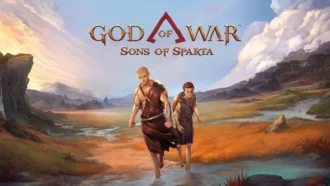
A new chapter in Kratos’ past arrives on PS5. Sons of Sparta shifts the series to 2D, exploring the Agoge with Deimos, classic Greek foes, skill trees, and Gifts of Olympus – all scored by Bear McCreary.
February 13, 2026
80

Assassin’s Creed Origins steps into the museum space as Ubisoft and the Musée de l’Homme unveil a nine-minute interactive walkthrough of ancient Egyptian embalming, part of the Mummies exhibition running November 2025 - May 2026.
February 13, 2026
77
Subscribe to “By-Gamers” on Telegram for gaming intel.
No filler, no fuss—just your daily XP boost. Hop in and level up, squad!


Read also
Solid Snake joins Rainbow Six Siege on March 3. Expect an intel-focused gadget, on-the-fly scavenging, a stealthy 4v4 event with Sam Fisher, and updates across maps and Operators.
February 15, 2026
85
A year-long Overwatch narrative lands on Switch. Season 1 opens the Reign of Talon, adds 5 heroes, and introduces a 5-week faction event—setting the stage for updates through Season 6 in 2026.
February 14, 2026
82
A new chapter in Kratos’ past arrives on PS5. Sons of Sparta shifts the series to 2D, exploring the Agoge with Deimos, classic Greek foes, skill trees, and Gifts of Olympus – all scored by Bear McCreary.
February 13, 2026
80
Assassin’s Creed Origins steps into the museum space as Ubisoft and the Musée de l’Homme unveil a nine-minute interactive walkthrough of ancient Egyptian embalming, part of the Mummies exhibition running November 2025 - May 2026.
February 13, 2026
77

High On Life 2 is out now, and its writers say the best gags start with the team cracking up first — then shaping bits so players help drive the punchlines. Here’s how Squanch approaches humor-by-design.
February 13, 2026
61
Rainbow Six Siege’s competitive year ends in Paris with a new twist: 1V1 NOW by Xbox Game Pass. Four regional standouts, 3.2k sign-ups behind them, clash Feb 14-15 for a share of $5,000 on the SI stage.
February 13, 2026
70
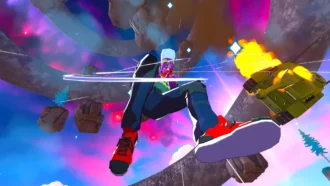
Fourteen Xbox titles arrive February 17-20 – from Star Trek: Voyager’s survival strategy to stealth in Styx and horror in Backrooms. Dates, platform notes, and core gameplay features inside.
February 13, 2026
63
Rayman’s 1995 debut returns in a multi-version package – with a first-ever playable SNES prototype, 120 bonus stages, a reimagined Christophe Héral soundtrack, and modern assists like a 60-second rewind.
February 13, 2026
62
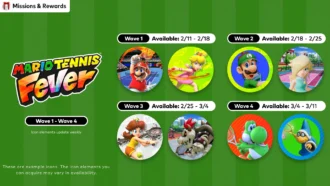
Mario Tennis Fever icon elements arrive on a ticking schedule—four waves across February-March 2026. Here are the exact PT dates, how to access them, and what the game brings to the court.
February 13, 2026
68
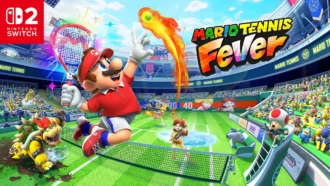
Nintendo serves up Mario Tennis Fever on Switch 2 with its biggest roster yet, 30 new Fever Rackets that twist rallies in wild ways, and a baby-themed Adventure Mode. Check the official trailer link inside.
February 13, 2026
67

Співпраця
Співпраця - текст
By-Gamers Newsletter!
Unlock special gaming deals, limited-time bundles, and more - sign up for By-gamers newsletter today!
