


Popular articles
- What Is Rivals of Aether? Game Type, Platforms, and Modes Explained
- Black Myth Wukong Guide – What To Expect From This Amazing New RPG
- Top 5 Gaming Thrones for a Luxurious Gaming Experience
- Is Sonic Triple Trouble 16-Bit Official? Who Is The Bad Guy in Sonic Triple Trouble?
- Among Us Original: Where and How To Play The Classic Game


Every Xbox Design Lab option explained – what you can tweak
Table of Content

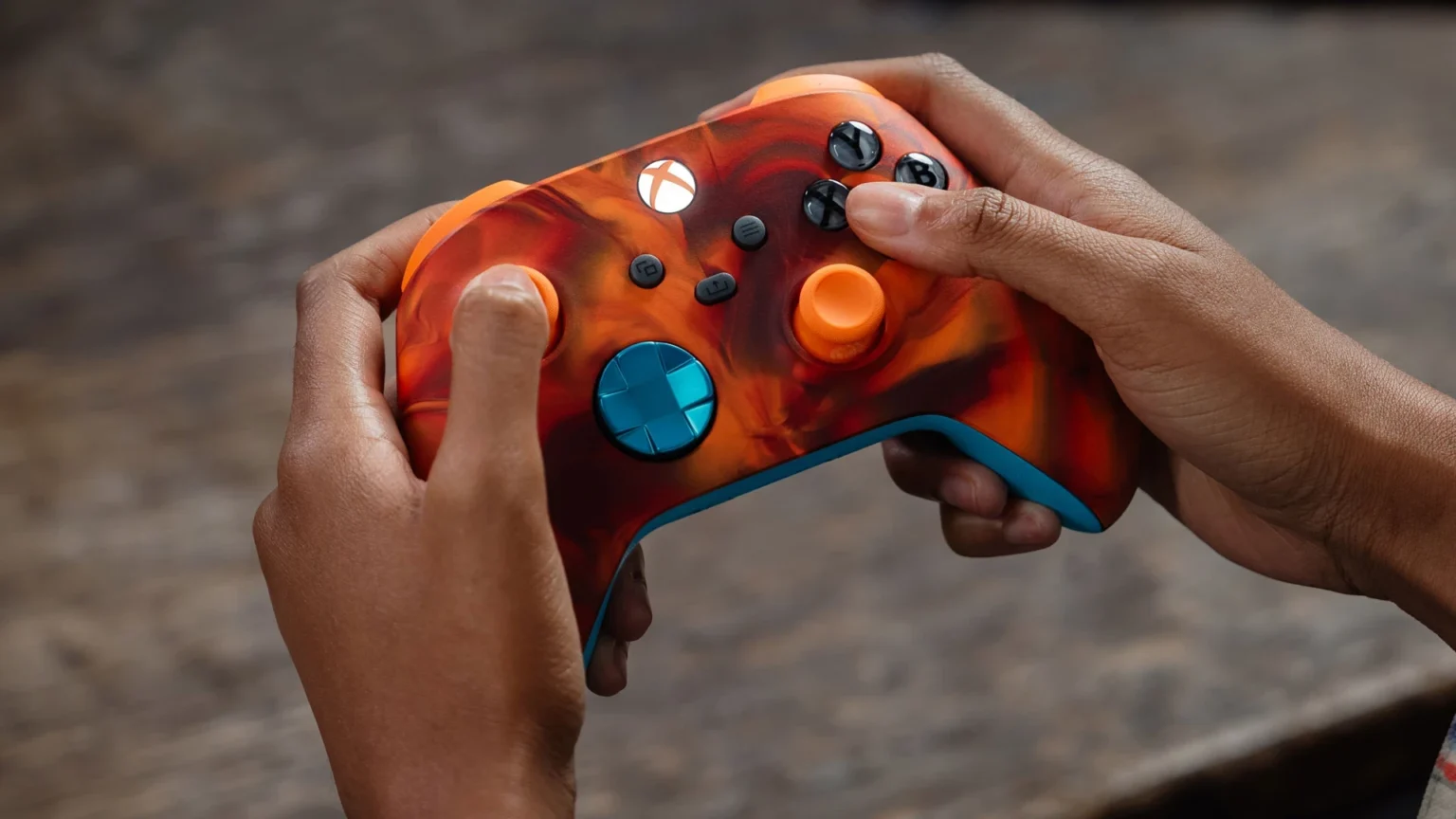
Microsoft has updated its official guide to Xbox Design Lab, detailing how players can personalize the Xbox Wireless Controller and the Xbox Elite Wireless Controller Series 2 across 10 customization areas. The platform includes live previews and the ability to save configurations to a personal gallery. The 2025 refresh also spotlights accessibility additions with 3D-printable thumbstick toppers. Below is a concise breakdown of what’s supported and how the options differ between controller families.
Two controller families supported
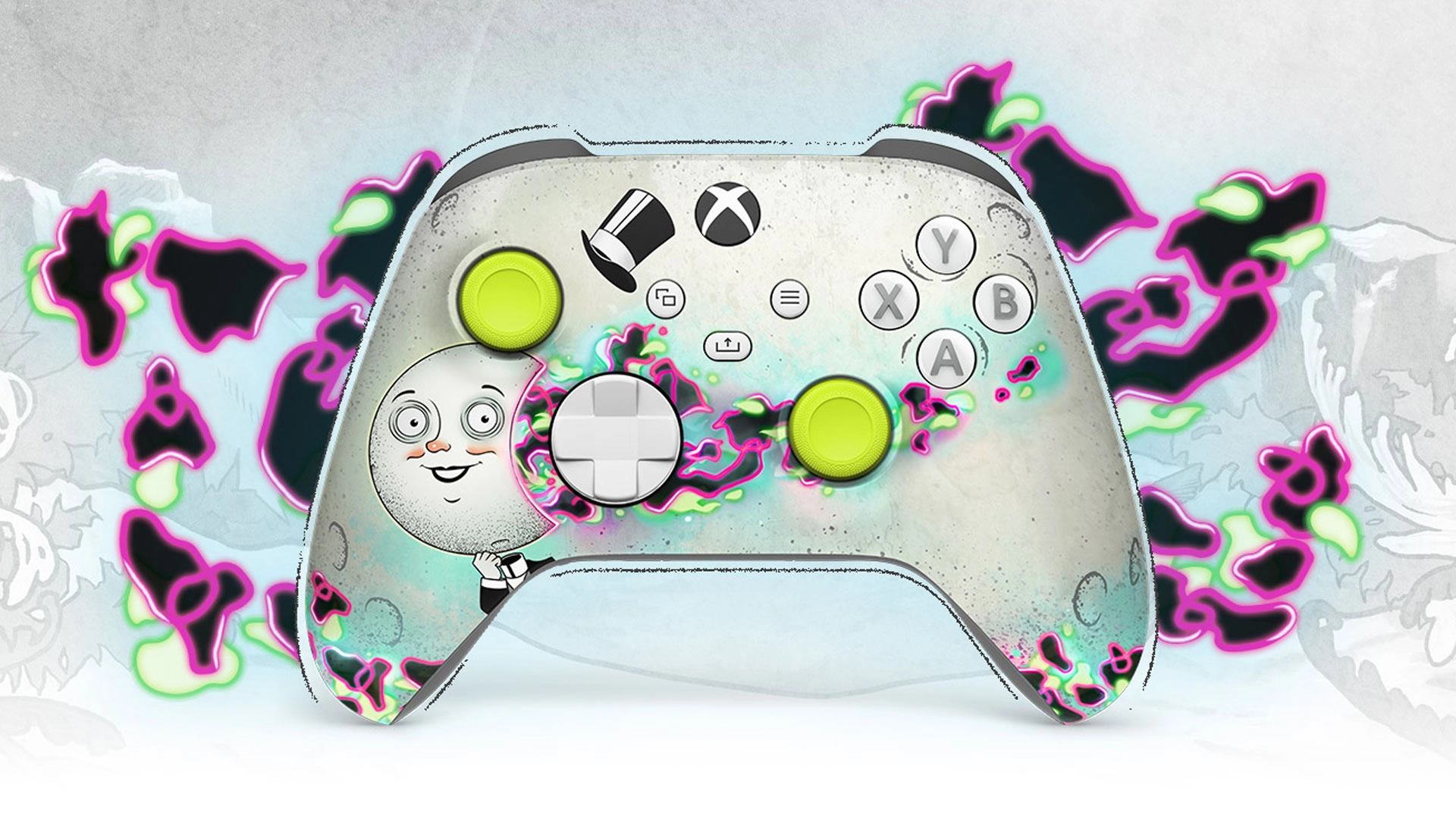
Xbox Design Lab covers both the standard Xbox Wireless Controller and the pro-oriented Elite Series 2. The Elite model retains its advanced hardware – including adjustable thumbsticks, hair trigger locks and rubberized grips as standard – while the Wireless Controller can be configured with optional grips. Both families share broad color and finish choices, with Elite offering additional metallic treatments and deeper part-by-part customization.
10 customization areas – what you can change
Xbox Design Lab splits personalization into 10 distinct categories. Players can mix finishes, patterns and colors, and on Elite, customize multiple sub-components per part. Here’s what the updated guide confirms:
- Body – Entire front case. Wireless offers matte colors plus patterns like Vapor, Shift, Camo, a Pride design, and game-inspired options (for example, a Fallout top case). Elite adds matte colors, game-inspired looks and the Cipher series with a transparent shell.
- Back – Rear case behind the grips. All standard colors available to match or contrast with the front.
- Grips – Optional rubberized back and side grips on the Wireless Controller; rubberized grips are standard on Elite Series 2.
- Bumpers – Top buttons and the bridge between them. Wireless uses the standard color palette; Elite offers metallic finishes.
- Triggers – Standard colors on Wireless with additional metallic options; Elite provides a set of metallic designs that can match or contrast the bumpers.
- D-Pad – Wireless supports standard colors, including metallic. Elite lets you choose the classic four-direction or the Faceted D-pad, with single-tone metallic finishes and multi-toned Chroma options.
- Thumbsticks – Wireless can use any standard color. Elite separates customization of the metal base, thumbstick ring and topper for finer control.
- ABXY buttons – Wireless includes 7 designs (from classic colored to various two-tone treatments). Elite expands this to 20 treatments, including colored variants.
- View, Menu, Share buttons – Wireless offers 5 designs for the center buttons; Elite provides 24 color options.
- Engraving – Both controllers support a 16-character engraving for names, Gamertags or short messages.
Design tools built in
Xbox Design Lab includes a real-time preview of every change and the option to save multiple designs into a personal gallery. That makes it easier to compare variants side by side before finalizing a configuration.
Read also our article: PlayStation opens PS Blog GOTY 2025 polls – eligibility, dates, categories
Accessibility: adaptive thumbstick toppers
Microsoft collaborated with community members, charities and a hospital involved in adaptive gaming and 3D printing to release complimentary 3D-printable files for adaptive thumbstick toppers. These files are designed to support a range of accessibility needs and work with both the Xbox Wireless Controller and the Xbox Elite Wireless Controller Series 2. Design Lab also offers thumbstick topper designs for the Xbox Adaptive Joystick.
Updated for 2025
The official guide notes that it was originally published in 2024 and has been updated for 2025, reflecting the current set of finishes, patterns and configuration choices across both controller families and the latest accessibility assets.
Why this matters – a clearer path to the right build
The refreshed breakdown centralizes what can be personalized on each controller – helping players understand differences between the Wireless and Elite models, plan their colorways and patterns, and account for accessibility needs with printable toppers.






Meet the Author



Article:
Read all


Solid Snake joins Rainbow Six Siege on March 3. Expect an intel-focused gadget, on-the-fly scavenging, a stealthy 4v4 event with Sam Fisher, and updates across maps and Operators.
 February 15, 2026
 85
85
A year-long Overwatch narrative lands on Switch. Season 1 opens the Reign of Talon, adds 5 heroes, and introduces a 5-week faction event—setting the stage for updates through Season 6 in 2026.
February 14, 2026
82

A new chapter in Kratos’ past arrives on PS5. Sons of Sparta shifts the series to 2D, exploring the Agoge with Deimos, classic Greek foes, skill trees, and Gifts of Olympus – all scored by Bear McCreary.
February 13, 2026
80

Assassin’s Creed Origins steps into the museum space as Ubisoft and the Musée de l’Homme unveil a nine-minute interactive walkthrough of ancient Egyptian embalming, part of the Mummies exhibition running November 2025 - May 2026.
February 13, 2026
77
Subscribe to “By-Gamers” on Telegram for gaming intel.
No filler, no fuss—just your daily XP boost. Hop in and level up, squad!


Read also
Solid Snake joins Rainbow Six Siege on March 3. Expect an intel-focused gadget, on-the-fly scavenging, a stealthy 4v4 event with Sam Fisher, and updates across maps and Operators.
February 15, 2026
85
A year-long Overwatch narrative lands on Switch. Season 1 opens the Reign of Talon, adds 5 heroes, and introduces a 5-week faction event—setting the stage for updates through Season 6 in 2026.
February 14, 2026
82
A new chapter in Kratos’ past arrives on PS5. Sons of Sparta shifts the series to 2D, exploring the Agoge with Deimos, classic Greek foes, skill trees, and Gifts of Olympus – all scored by Bear McCreary.
February 13, 2026
80
Assassin’s Creed Origins steps into the museum space as Ubisoft and the Musée de l’Homme unveil a nine-minute interactive walkthrough of ancient Egyptian embalming, part of the Mummies exhibition running November 2025 - May 2026.
February 13, 2026
77

High On Life 2 is out now, and its writers say the best gags start with the team cracking up first — then shaping bits so players help drive the punchlines. Here’s how Squanch approaches humor-by-design.
February 13, 2026
61
Rainbow Six Siege’s competitive year ends in Paris with a new twist: 1V1 NOW by Xbox Game Pass. Four regional standouts, 3.2k sign-ups behind them, clash Feb 14-15 for a share of $5,000 on the SI stage.
February 13, 2026
70
Fourteen Xbox titles arrive February 17-20 – from Star Trek: Voyager’s survival strategy to stealth in Styx and horror in Backrooms. Dates, platform notes, and core gameplay features inside.
February 13, 2026
63
Rayman’s 1995 debut returns in a multi-version package – with a first-ever playable SNES prototype, 120 bonus stages, a reimagined Christophe Héral soundtrack, and modern assists like a 60-second rewind.
February 13, 2026
62
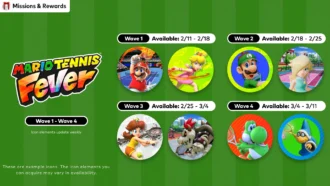
Mario Tennis Fever icon elements arrive on a ticking schedule—four waves across February-March 2026. Here are the exact PT dates, how to access them, and what the game brings to the court.
February 13, 2026
68
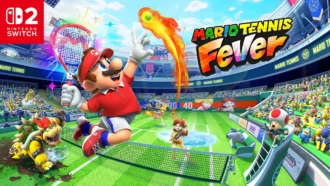
Nintendo serves up Mario Tennis Fever on Switch 2 with its biggest roster yet, 30 new Fever Rackets that twist rallies in wild ways, and a baby-themed Adventure Mode. Check the official trailer link inside.
February 13, 2026
67

Співпраця
Співпраця - текст
By-Gamers Newsletter!
Unlock special gaming deals, limited-time bundles, and more - sign up for By-gamers newsletter today!
