


Popular articles
- What Is Rivals of Aether? Game Type, Platforms, and Modes Explained
- Black Myth Wukong Guide – What To Expect From This Amazing New RPG
- Top 5 Gaming Thrones for a Luxurious Gaming Experience
- Is Sonic Triple Trouble 16-Bit Official? Who Is The Bad Guy in Sonic Triple Trouble?
- Among Us Original: Where and How To Play The Classic Game


Photo Mode arrives in Mafia: The Old Country’s Free Ride update
Table of Content

Mafia: The Old Country has introduced a built-in Photo Mode as part of the Free Ride Update – a no-cost patch for all players that also bundles new features, challenges, and collectibles. The tool can be launched during Free Ride or the main campaign, with cutscenes excluded. Once activated, gameplay pauses so you can compose a shot without time pressure. The feature works offline once the update is installed. Below are the key controls, settings, and workflow details confirmed by the developers.
How to access Photo Mode
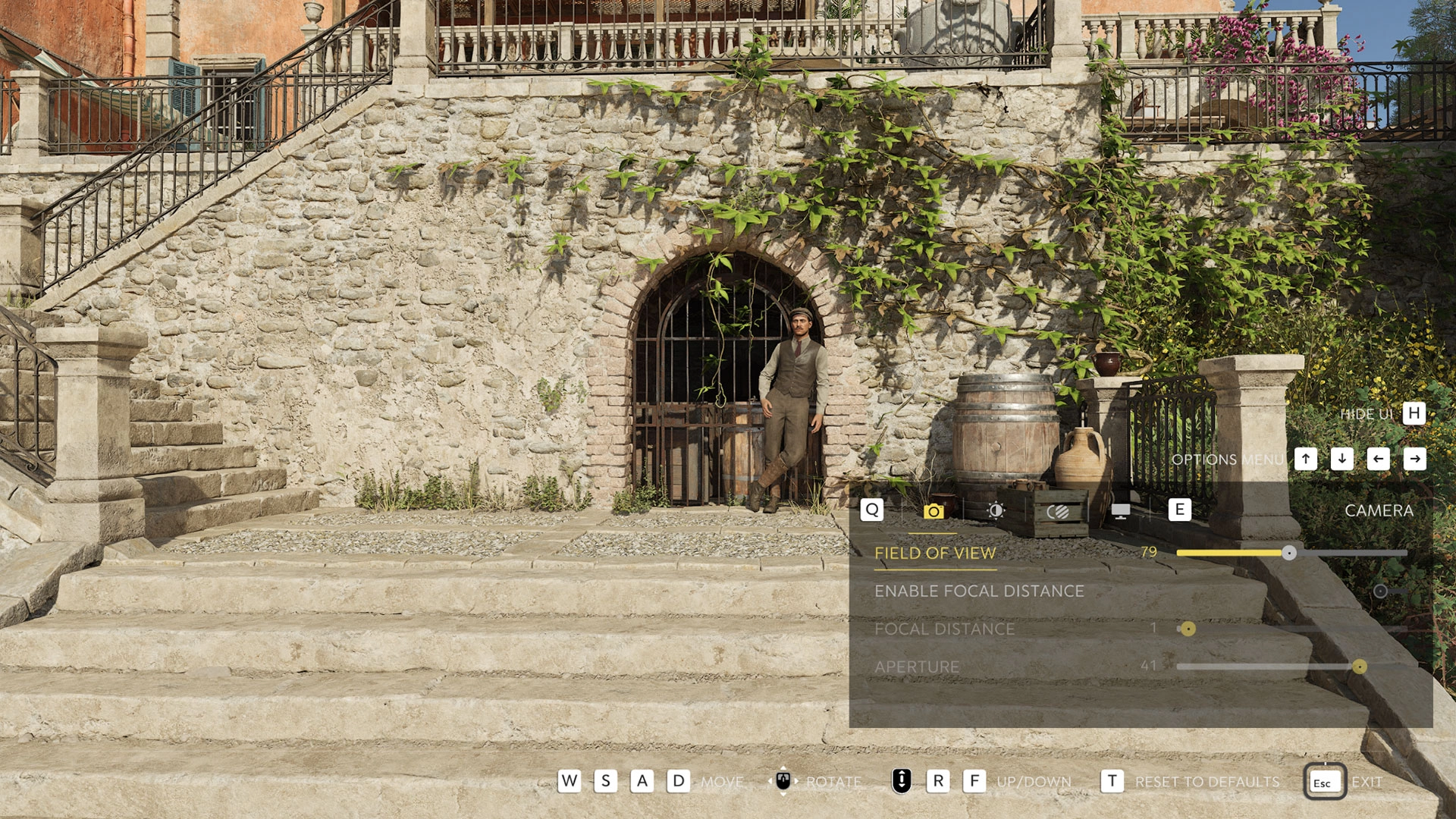
Players can open Photo Mode from the Options tab after pausing the game, or via default shortcuts on each platform. The shortcut can be toggled in Settings → Controls → Photo Mode Shortcut. Activation freezes the action, and the camera can then be moved freely using standard movement inputs.
Default controls and capture workflow
The table summarizes platform-specific defaults for launching Photo Mode, hiding the interface, and saving screenshots. All save actions use each platform’s native capture system.
Core camera controls
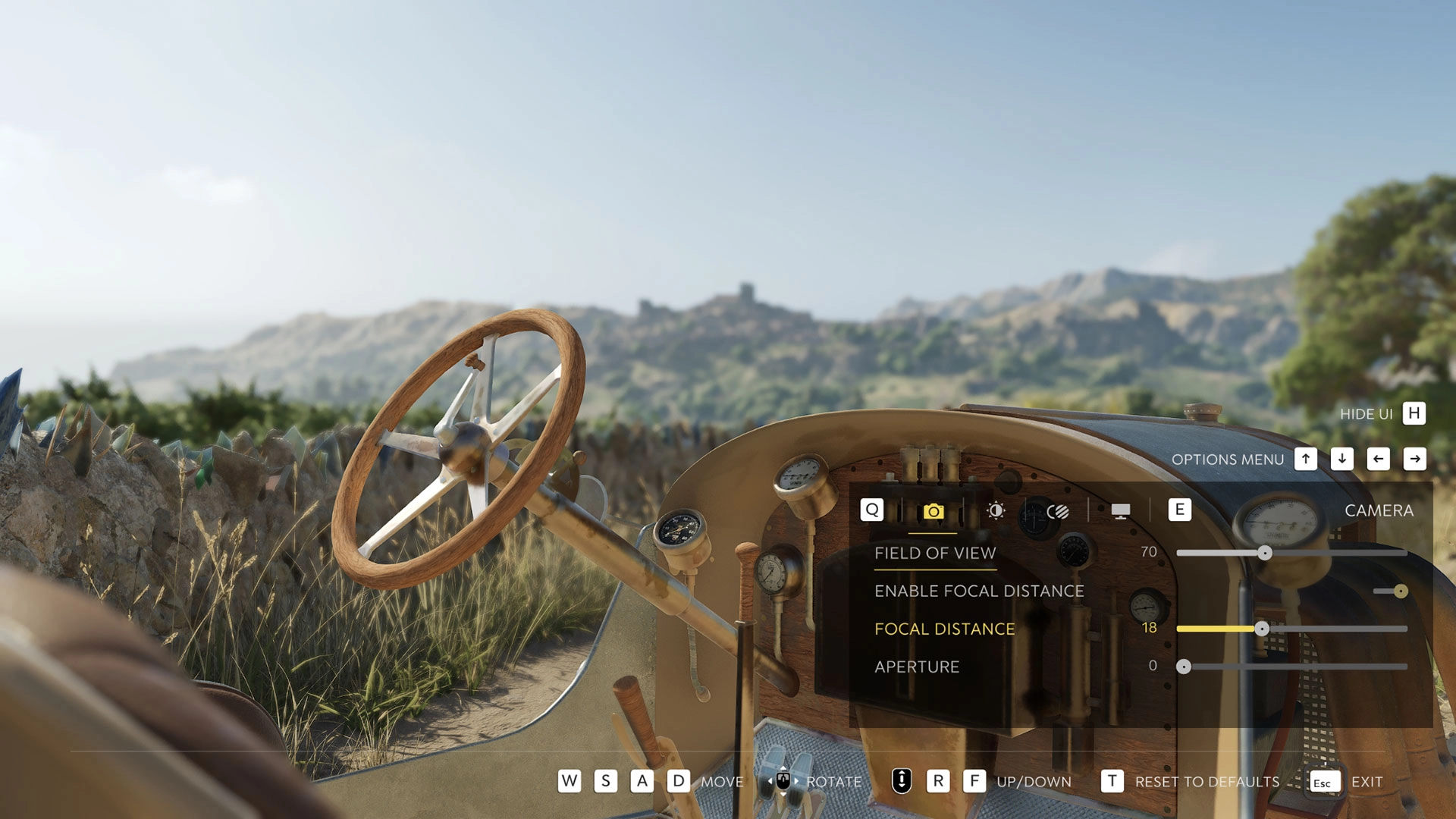
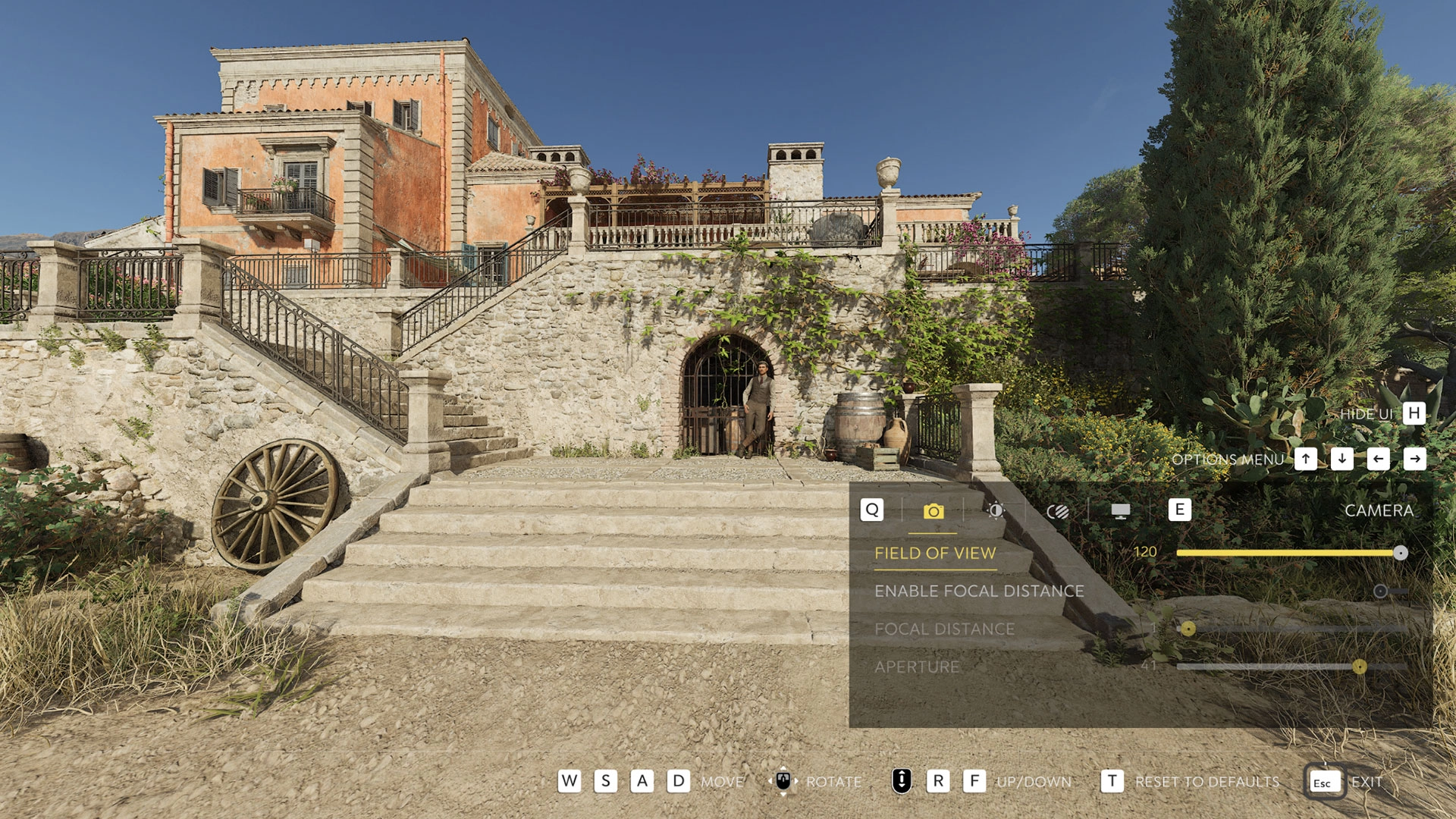
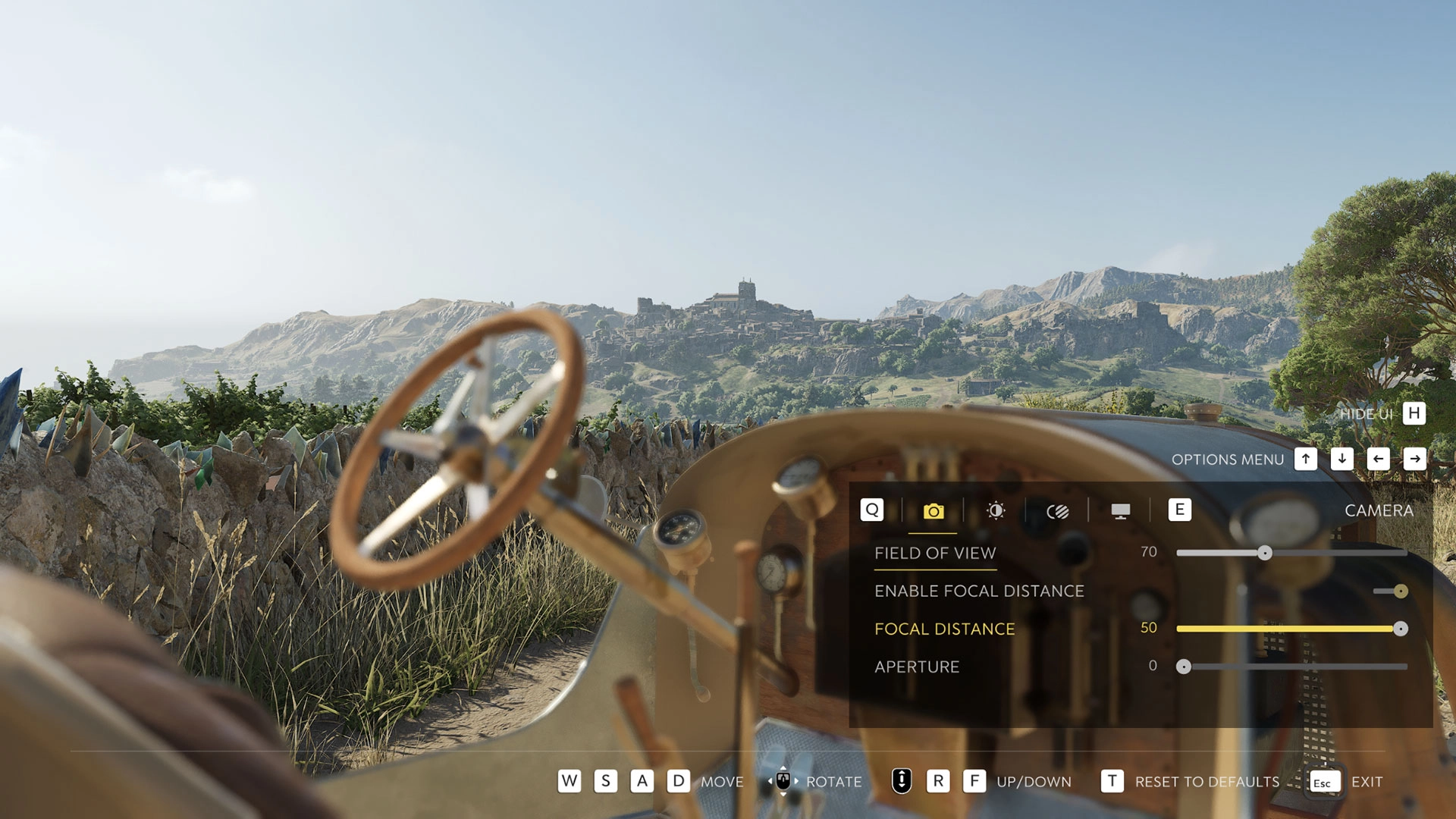
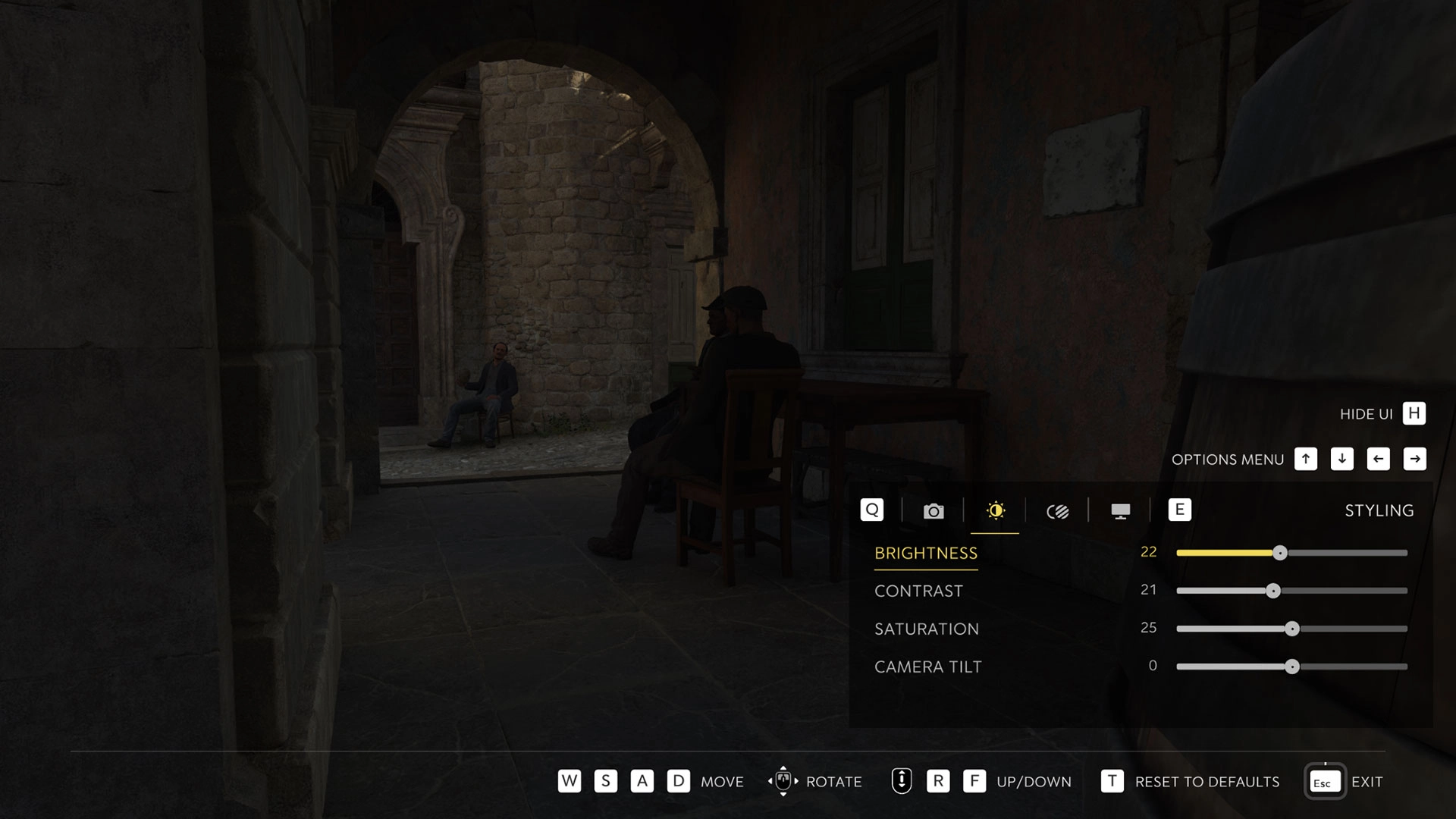
Photo Mode exposes a set of creative tools that mirror real-world photography basics and in-game framing options. Field of View widens or narrows what fits in the frame. Focal Distance and Aperture control depth of field – keep everything sharp, or isolate a subject by blurring foreground or background. Additional image tuning includes:
- Brightness – overall lightness or darkness
- Contrast – difference between light and dark areas
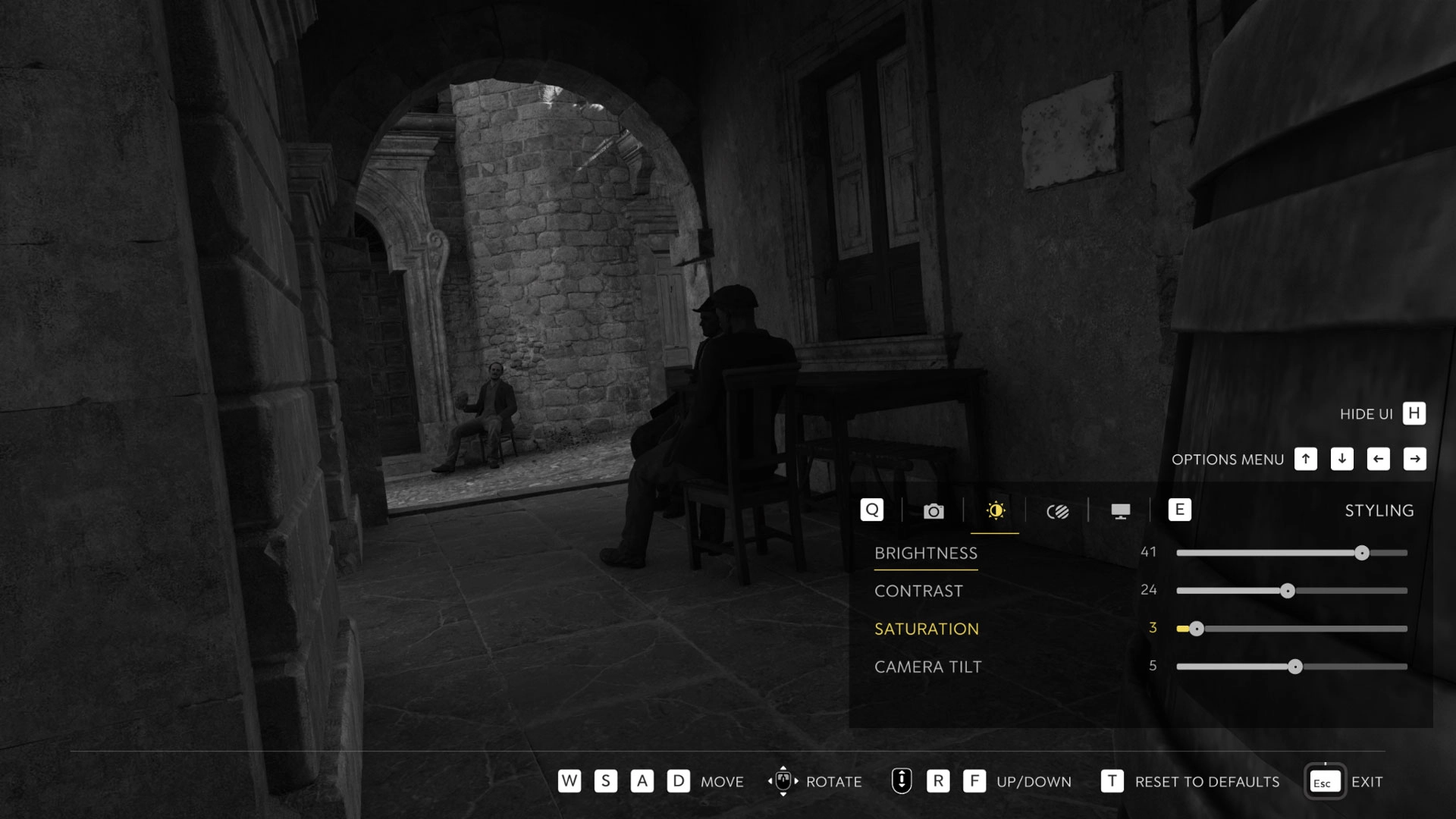
- Saturation – intensity of colors
- Camera Tilt – rotation of the camera for angled compositions
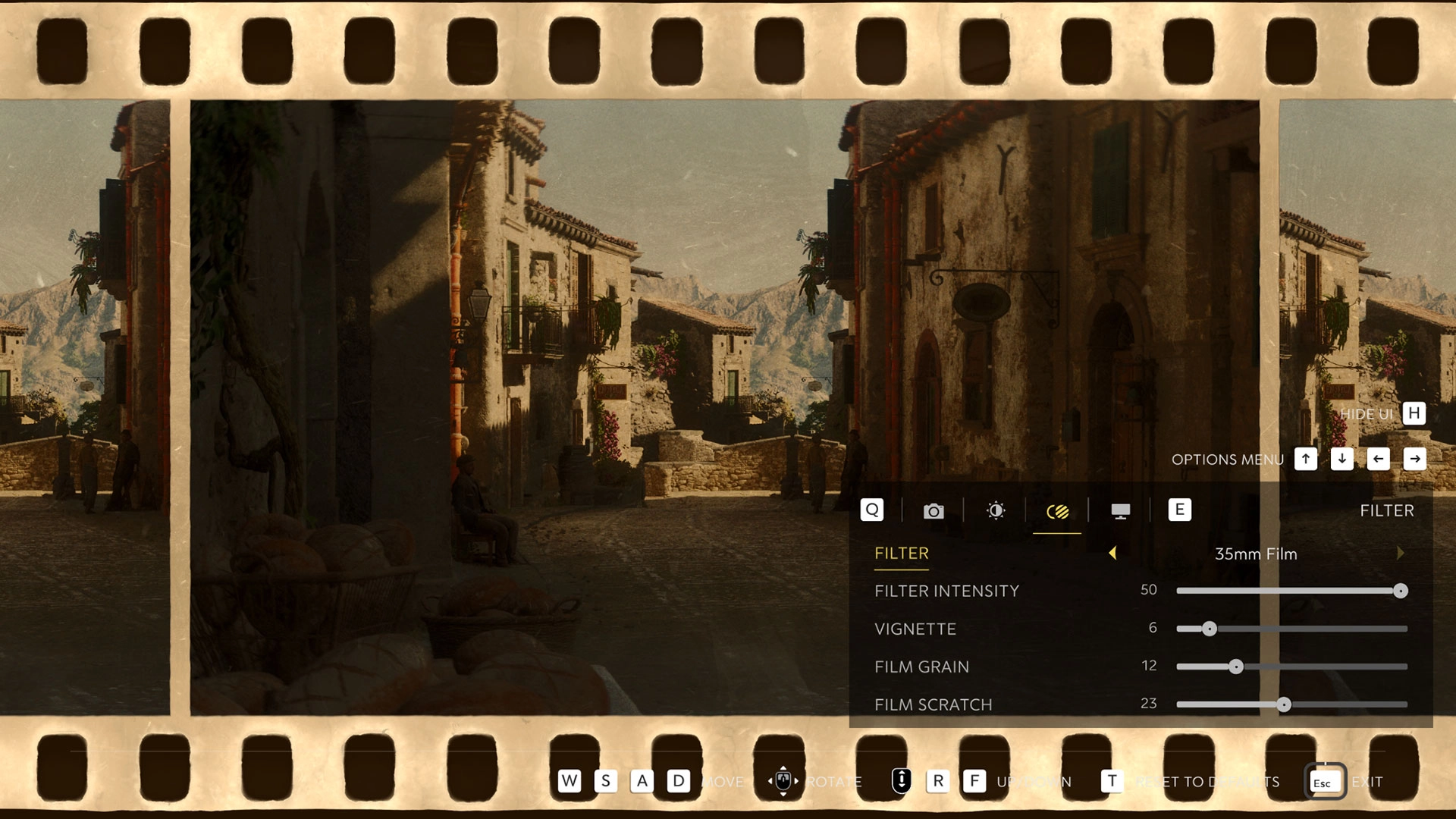
Filters and film-style effects
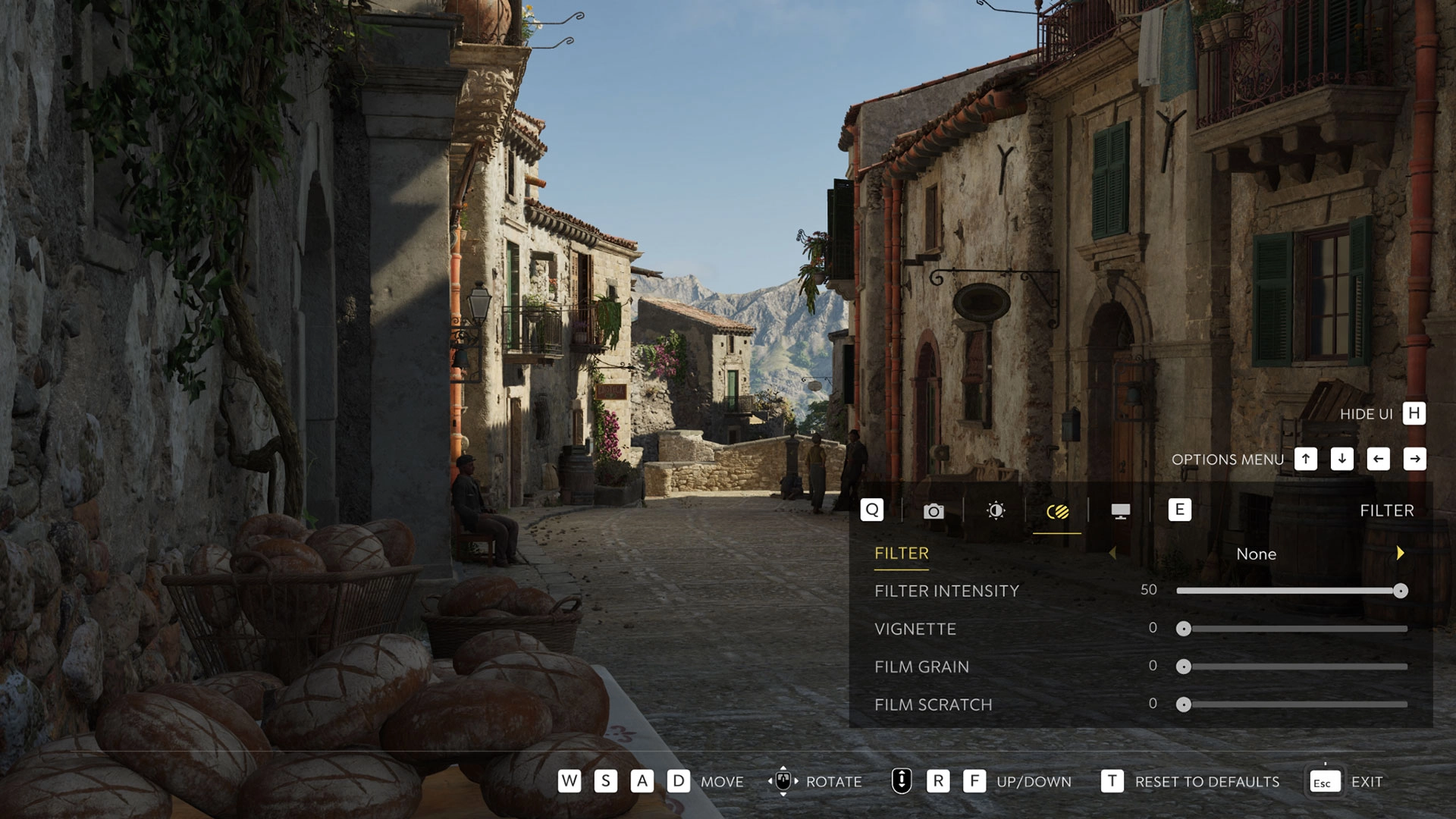
The mode includes 7 filters to alter the visual tone, plus granular settings to refine the result. Available filters:
- None
- Cinema Siciliano
- Cinema Siciliano Sepia
- High Contrast
- Soft Glow
- Analog
- Split Tone
- 35mm Film
Supporting options include Filter Intensity, Vignette (darkens frame edges), Film Grain (adds noise), and Film Scratch (emulates aged film).
Read also our article: Borderlands 4’s first raid boss arrives with timed-tier loot
Display options and composition aids
To fine-tune a scene, players can toggle Show Player Character, Show Other Characters, and Show Grid. When a composition is ready, the Photo Mode interface can be hidden with the platform-specific inputs listed above, keeping the frame clean for capture.
Saving and locating screenshots
Photos are not stored inside the game – they are saved through each platform’s built-in system. On PlayStation 5 and Xbox Series X|S, use the Share or Capture button respectively. On PC via Steam, press F12 (or your assigned hotkey). On Steam, screenshots are stored in the default Steam screenshot directory and can be browsed from the game’s “Recordings and Screenshots” panel in the library; right-click a shot and select “Show on disk” to open the file location.
Suggested locations for striking shots
Developers highlighted several points of interest around Valle Dorata that lend themselves to varied compositions and lighting setups:
- The approach to Porto Almaro – a seaside road near the old watchtower overlooking the town
- The lavender field near Villa Torrisi – a vibrant color accent against rural backdrops
- The chapel in Tannery Village – a hillside path that benefits from careful lighting
- San Celeste’s alleys – narrow streets, busy squares, and early 1900s architecture
- Byzantine ruins in Fontanella – near the northern bridge, mixing history with nature
Trailer
Free Ride Update trailer (official):
Final takeaway – a flexible tool for documenting Valle Dorata
Photo Mode in Mafia: The Old Country delivers pause-anywhere composition, depth-of-field control, and film-style post effects without extra software. Whether you are capturing quiet countryside or high-tension moments, the tools are built to support both quick grabs and meticulous setups, and they work entirely through your platform’s native capture flow.




Meet the Author



Article:
Read all

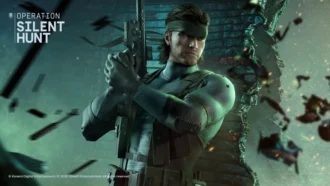
Solid Snake joins Rainbow Six Siege on March 3. Expect an intel-focused gadget, on-the-fly scavenging, a stealthy 4v4 event with Sam Fisher, and updates across maps and Operators.
 February 15, 2026
 86
86
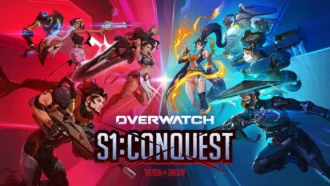
A year-long Overwatch narrative lands on Switch. Season 1 opens the Reign of Talon, adds 5 heroes, and introduces a 5-week faction event—setting the stage for updates through Season 6 in 2026.
February 14, 2026
83
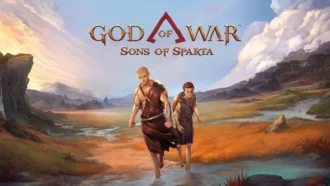
A new chapter in Kratos’ past arrives on PS5. Sons of Sparta shifts the series to 2D, exploring the Agoge with Deimos, classic Greek foes, skill trees, and Gifts of Olympus – all scored by Bear McCreary.
February 13, 2026
80
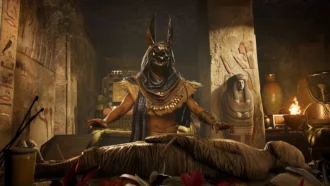
Assassin’s Creed Origins steps into the museum space as Ubisoft and the Musée de l’Homme unveil a nine-minute interactive walkthrough of ancient Egyptian embalming, part of the Mummies exhibition running November 2025 - May 2026.
February 13, 2026
77
Subscribe to “By-Gamers” on Telegram for gaming intel.
No filler, no fuss—just your daily XP boost. Hop in and level up, squad!


Read also
Remedy’s new video tours a warped Manhattan built around expansive zones, side activities and secrets. Gravity Anomalies bend physics as Dylan Faden hunts a powerful Resonant. Release planned in 2026 across major platforms.
February 13, 2026
67
Four days, 500,000 revives, one universal skin. Borderlands 4’s co-op Community Challenge sets a clear goal for Feb 12-15, with a new Weekly Big Encore slate designed to test your survival skills.
February 13, 2026
69
Step inside Firaxis’ studio as the audio team and Grammy-winning composer Christopher Tin unpack how Civilization VII’s sweeping soundtrack—and main theme Live Gloriously—aims to reflect eras and cultures across history.
February 12, 2026
69
WWE 2K26 swaps traditional DLC packs for a seasonal Ringside Pass. Expect six drops through 2026, a free track for all players, and premium tiers with DLC Superstars. Season 1 begins March 6 – and earlier access to post-launch ...
February 11, 2026
80
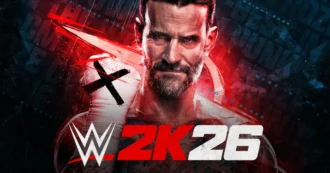
WWE 2K26 locks its March rollout and brings back brutal stipulations, heavier combat physics, and granular AI tools – alongside a new commentary lineup and more interactive entrances.
February 11, 2026
68
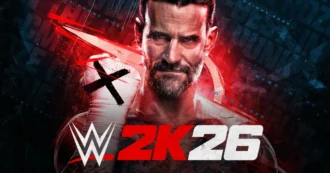
CM Punk fronts WWE 2K26’s Showcase – a career-spanning mode mixing real matches, dream pairings, and alternate timelines – and a fresh Gauntlet that unlocks every Showcase reward if you can run the 20-opponent table.
February 11, 2026
61
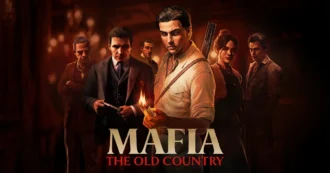
Weekly ‘Mafia Mondays’ will reveal early‑1900s Sicily – from a tense villa infiltration to a three‑hour hands‑on – as 2K and Hangar 13 detail scope, tech, and the family around Enzo Favara.
February 11, 2026
64

Riot scales back the 2XKO team, citing lower-than-needed momentum beyond a core audience. Improvements are planned, 2026 esports stays intact, and affected staff receive at least 6 months of notice pay and severance.
February 9, 2026
72
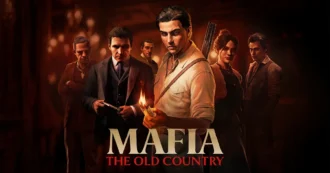
After adding Photo Mode in November’s Free Ride Update, Mafia: The Old Country showcases fan-made shots—complete with insights from the art team on composition, lighting, and world-building.
February 7, 2026
87
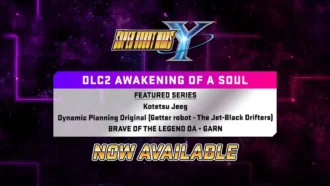
DLC Pack 2 lands in SUPER ROBOT WARS Y with five new units and dozens of missions, while a free update introduces Battle Rush 2, higher level caps, and deeper upgrades across pilots, mechs, and weapons.
February 7, 2026
93

Співпраця
Співпраця - текст
By-Gamers Newsletter!
Unlock special gaming deals, limited-time bundles, and more - sign up for By-gamers newsletter today!
